
How to Grant Yourself QMI Features Access on Salesforce
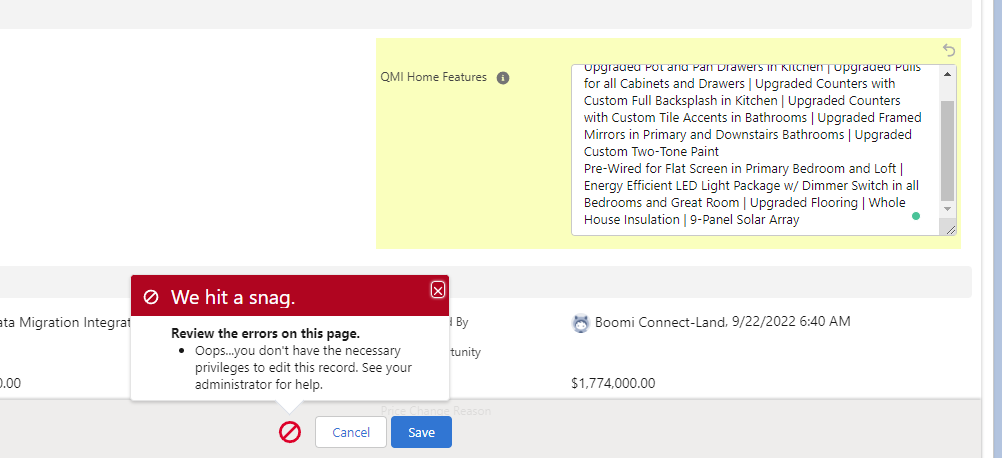
To edit QMI Home Features on Salesforce, you need to be part of that property’s Neighborhood team. Otherwise, you’ll encounter this error:
Steps
- Go to the Neighborhood record. Highland in this example

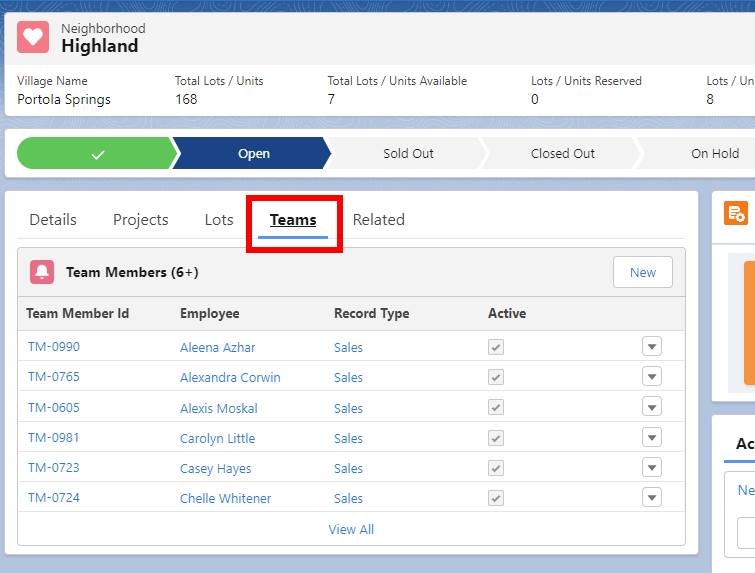
- Click on the Teams tab
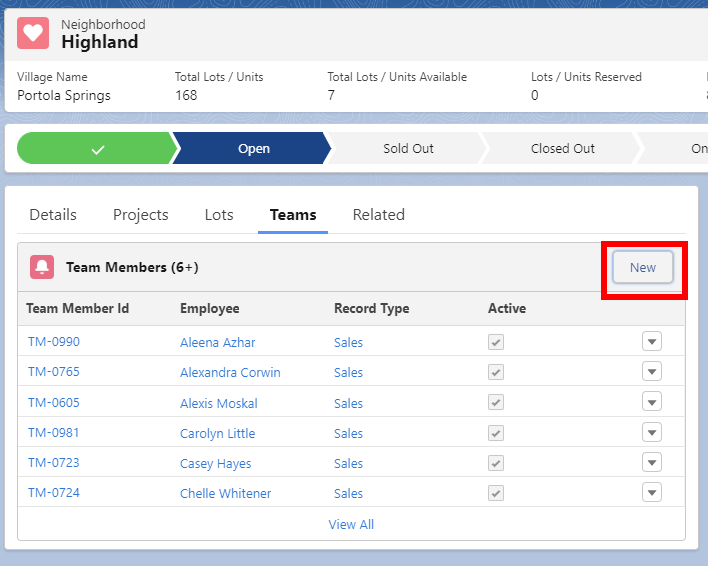
- Click on New
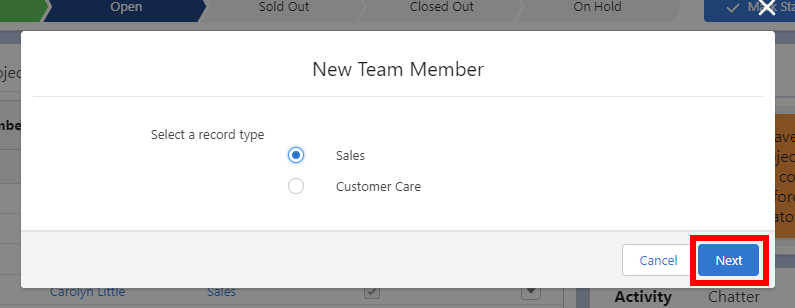
- Select Sales and then click Next
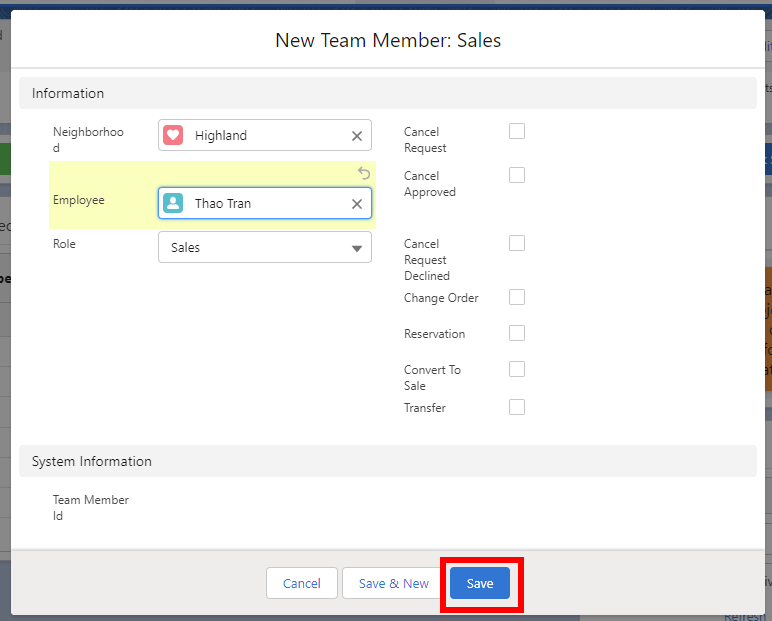
- Add yourself in the Employee field, make sure the Role says Sales, then click Save
Now, you’ll be able to edit QMI information for all the properties in that Neighborhood.