
Why are duplicate QMI pages getting created?
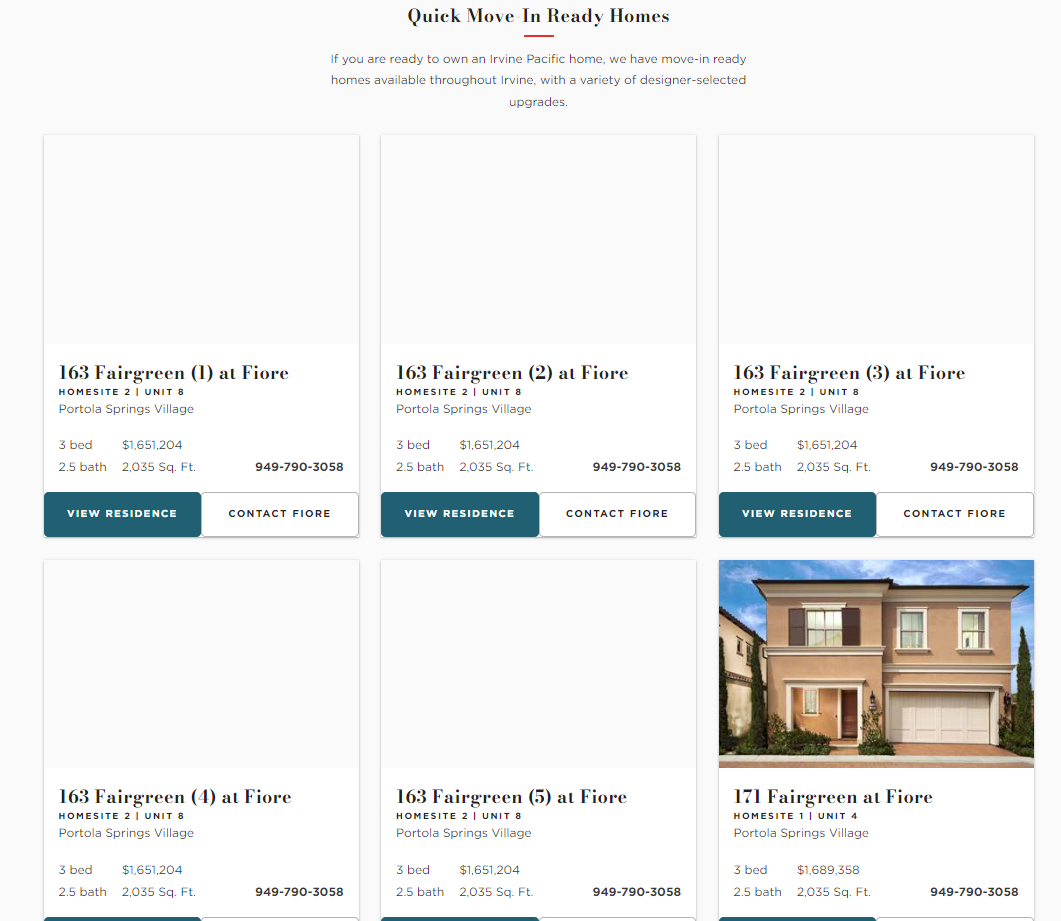
If duplicate QMI pages are getting created, it’s most likely because the QMI already exists on the website but the integration doesn’t recognize it.
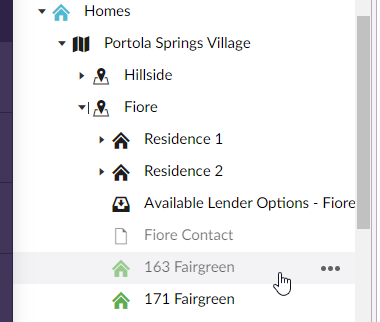
In this example, 163 Fairgreen already exists on the website but is unpublished.
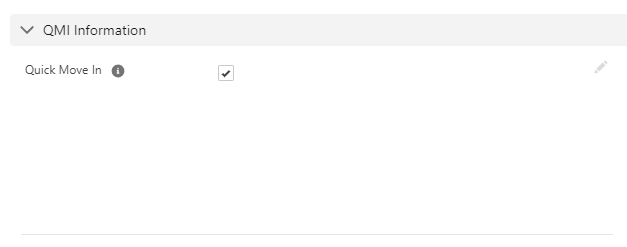
Since QMI is checked in Salesforce, the integration will keep attempting to create a page titled ‘163 Fairgreen’. Because a page with that title already exists, ‘163 Fairgreen (1)’ is created instead. This loop will continue and an additional duplicate property will get created each time the integration runs because it still doesn’t recognize that ‘163 Fairgreen’ already exists.
To avoid this issue, make sure to uncheck the QMI in Salesforce whenever you need to unpublish it on the website.