
How do I add/edit a Blog Ad?
Blog banner ads are managed under Home>Central>Blog Articles Ads.
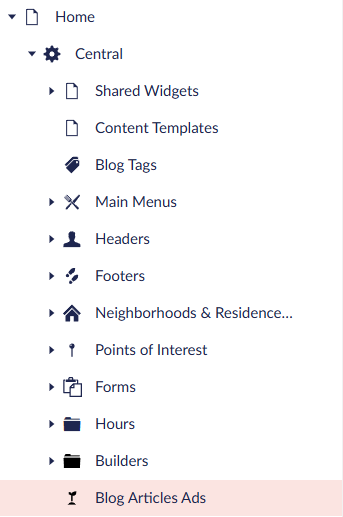
How to Add a New Blog Ad
- Hover over “Blog Articles Ads” and then click on the “…” menu

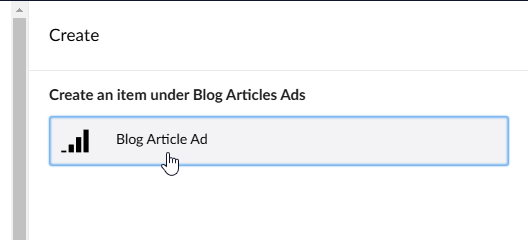
- Click “Blog Article Ad”
- Type in a name for the banner ad. (This field is important as it’s used for website tracking)
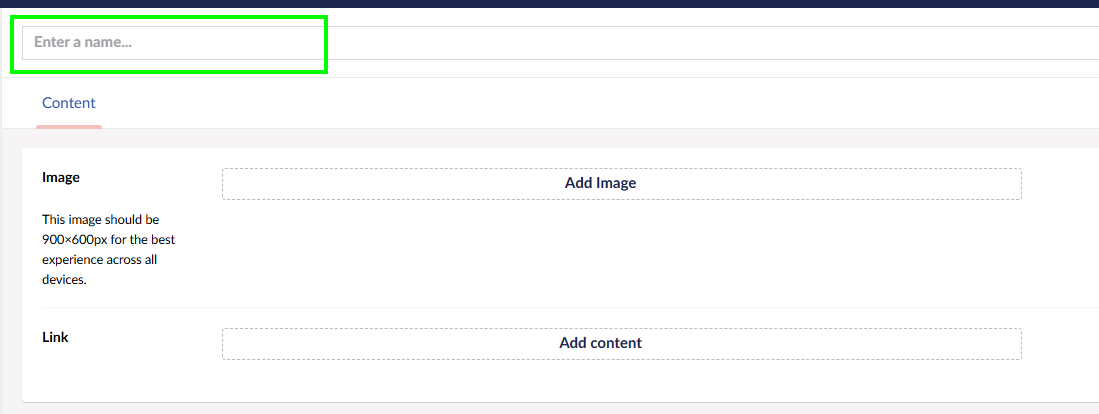
- Click “Add Image”
- Click the “+ Add” and upload your banner ad
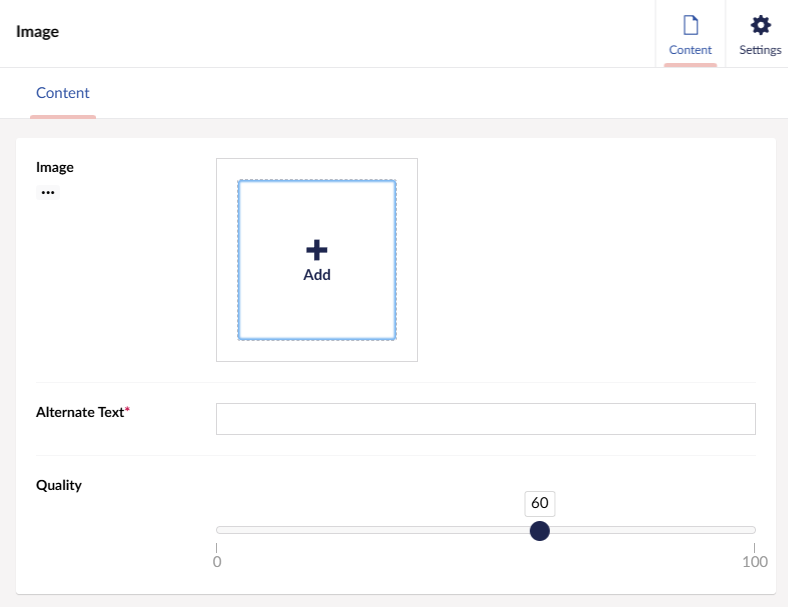
- Fill out “Alternate Text” and select image quality from the slider (use 90 if you’re unsure)
- Click “Create” to finish selecting the ad image
- Click “Add Content” in the Link section to choose where the ad will link to
- Click “Content Link” to select an internal website page, or “External Link” to link outside of VOI
- Click “Create” once you’re done setting up your link
- Click “Save and Publish” to complete uploading your banner ad into the system
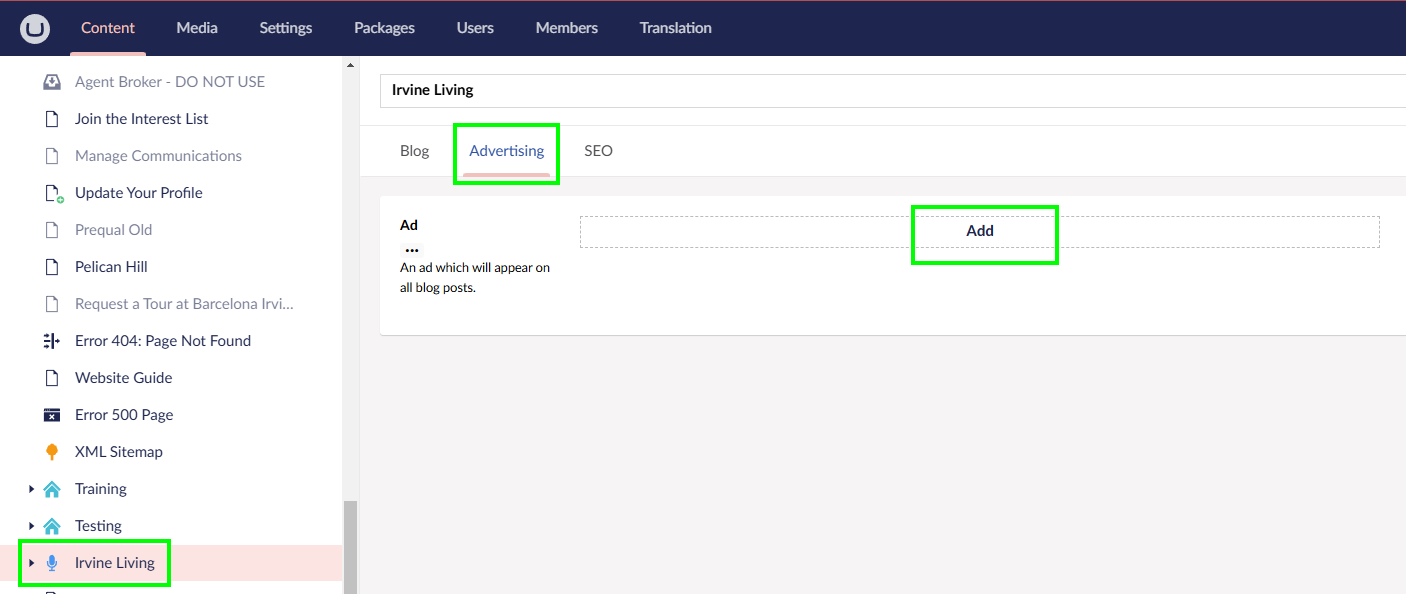
- Finally, in the content tree, go to Irvine Living
- Click on the “Advertising” tab and then click “Add”
- Select your newly uploaded banner ad under Home>Central>Blog Article Ads

- Click “Save and Publish”, and your ad will start appearing on all blog pages!