
30th Anniversary Stories Authoring Guide
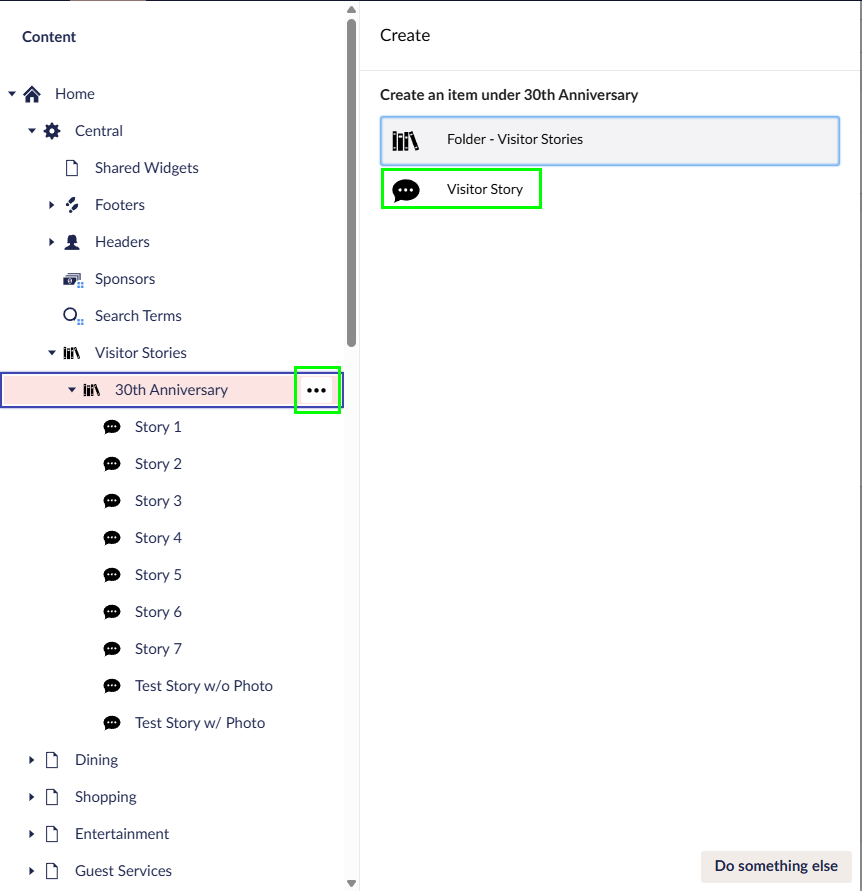
Stories are created under Home>Central>Visitor Stories.

Creating stories
- To add a new Story, hover over “30th Anniversary”, click on the “…” menu, and then click “Visitor Story”.
2. Fill out the fields, starting with the Story. The first paragraph of the story will always be visible. Additional paragraphs will be hidden until the user clicks “View Full Story”.
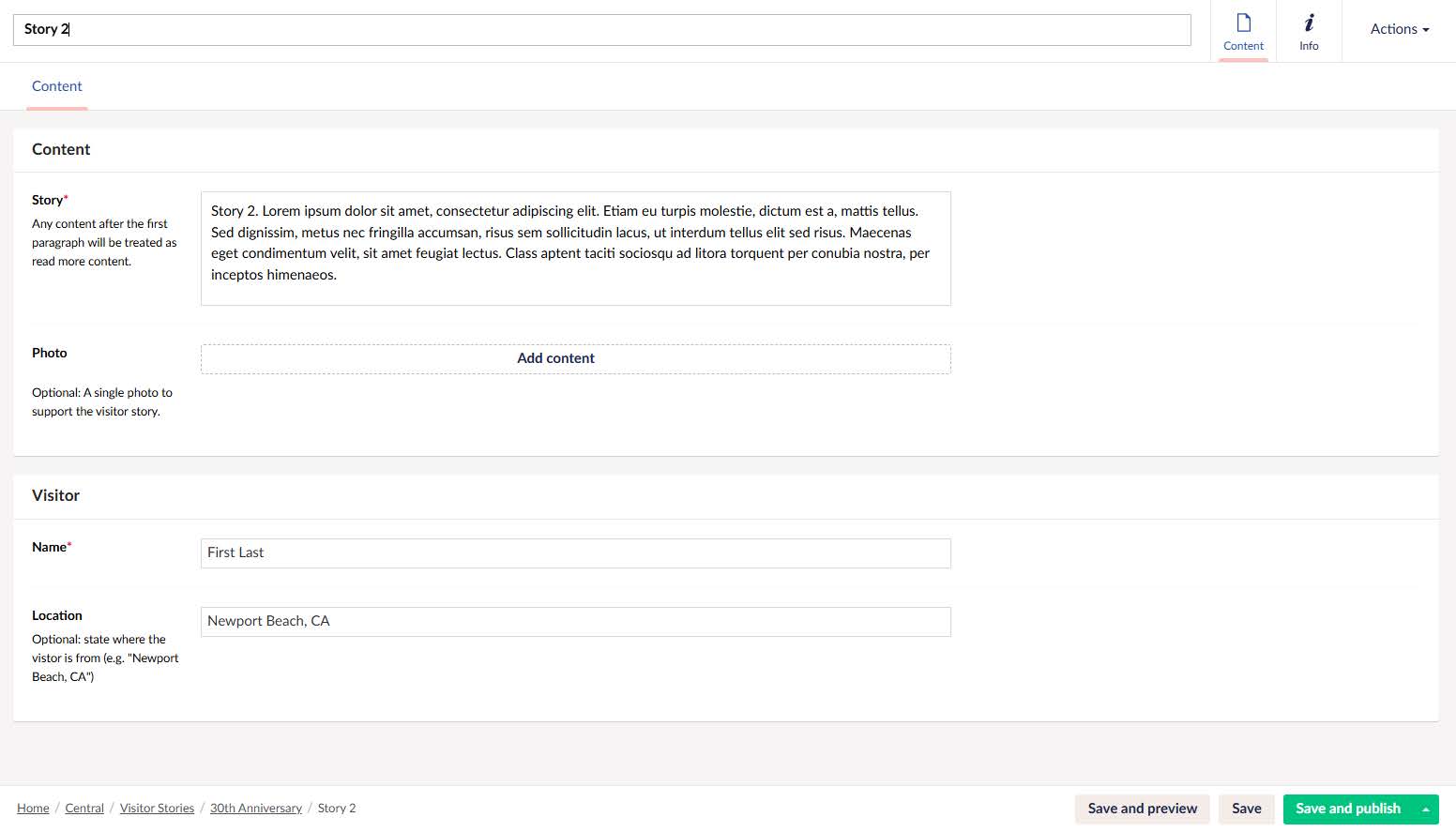
3. Add a photo (optional). When adding a photo, select “Image” and provide an image that is 381 x 483 and a PNG file format. Use this photoshop template for the taped polaroid look.

4. Fill out “Visitor” fields. Name is required. The visitor location is entirely optional and can be omitted.
Sorting Stories
Stories are ordered on the page in the order they appear in Umbraco. To sort the stories;
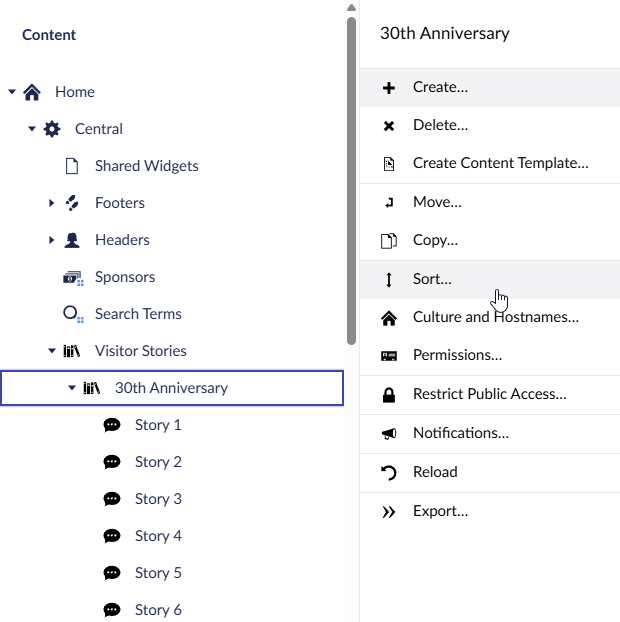
- Right click on the folder used on the Stories page (e.g. 30th Anniversary)
- Select Sort
- Reorder the stories in the intended order
- Click Save
The stories are now ordered.