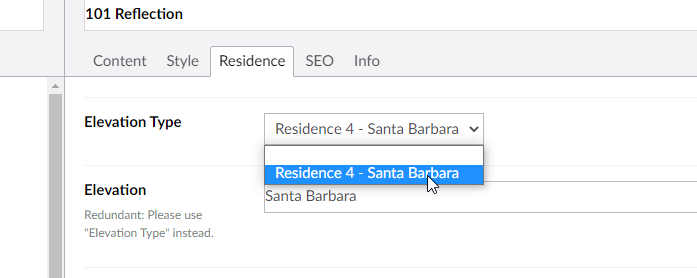
Why are QMI images disappearing/missing?
If a QMI on IP.com is missing a featured image, it’s likely that its Elevation Type is not set.

QMIs on IP automatically use the image from their Elevation Type. In this example, 101 Reflection is a Residence Type 4 with a ‘Santa Barbara’ Elevation Type. Therefore, it uses the image uploaded to Santa Barbara under Residence 4:
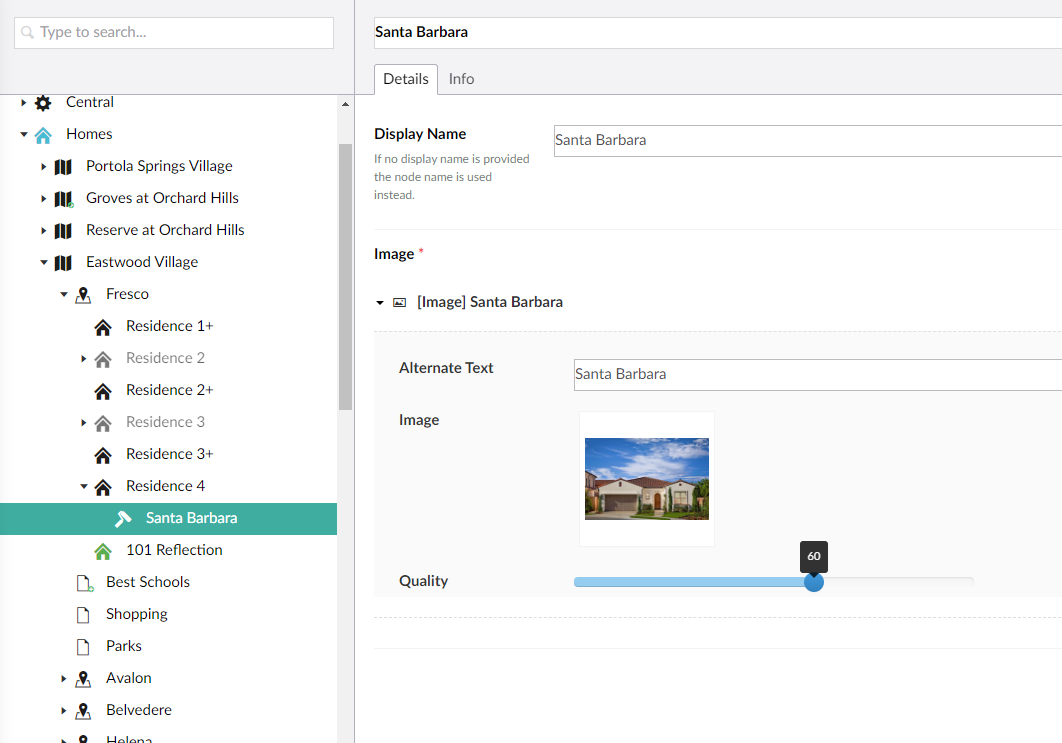
If no Elevation Type exists for the Residence Type of the QMI, follow these steps:
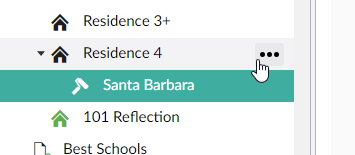
- Click on the three dots next to the Residence Type
- Click ‘Residence Elevation’
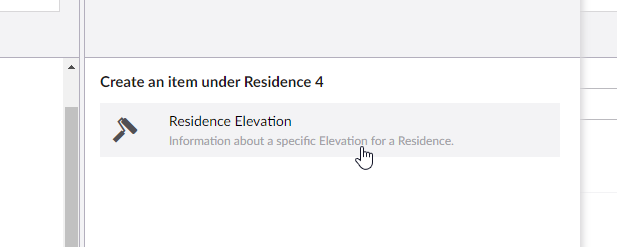
- Type in a name and ‘Display Name’ for the Elevation Type

- Upload an Image
- Click ‘Save & Publish’
- Set the ‘Elevation Type’ in the QMI